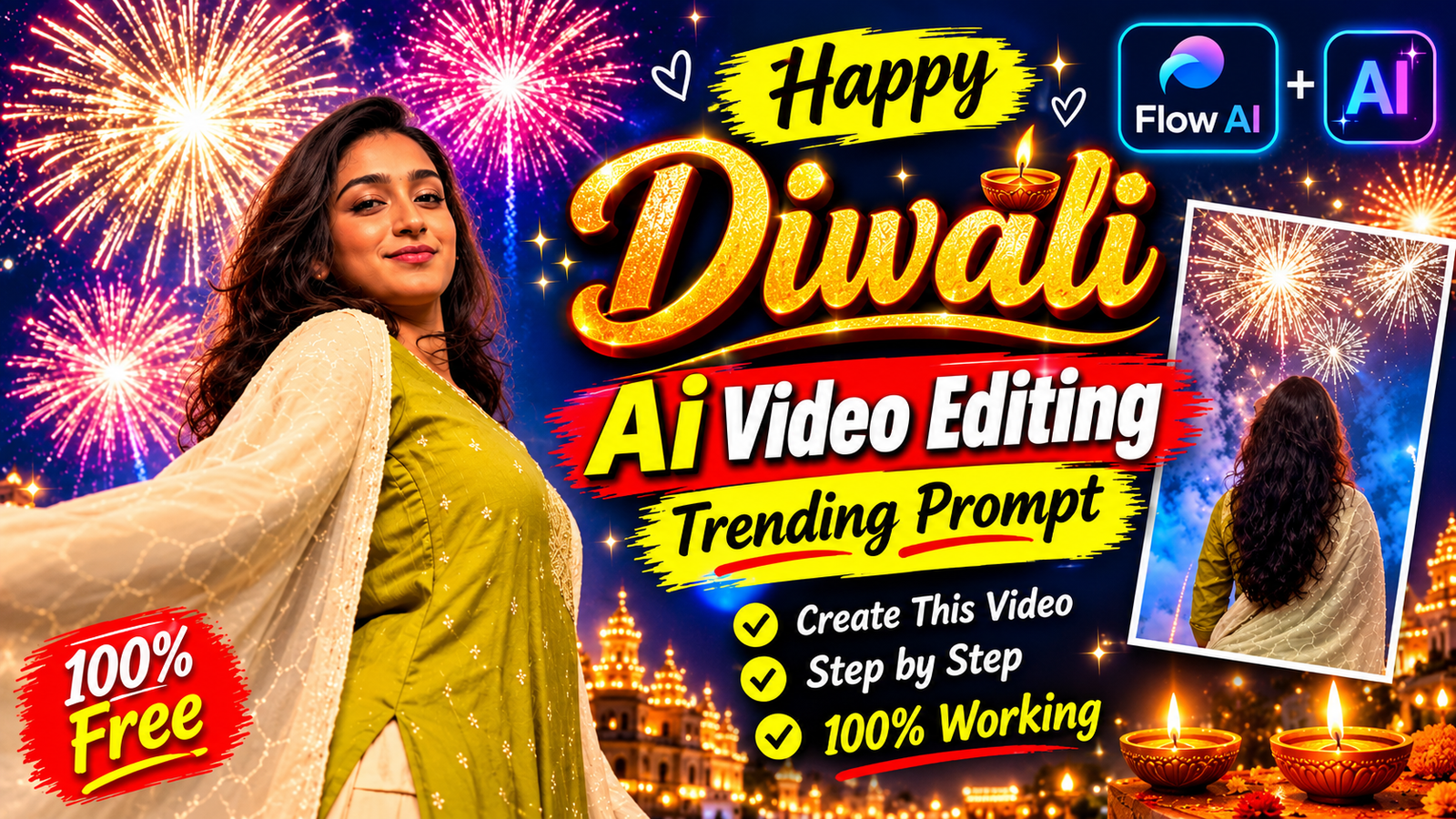
Want to create a beautiful and realistic AI Diwali Fireworks Transition Video using your own photo? You can easily create this trending cinematic video using FLOW AI.
In this tutorial, you will learn how to create an amazing Diwali transition video featuring a traditional outfit, beautiful spinning movements, and stunning colorful fireworks.
The best part is that you don’t need professional video editing skills. Just copy the free AI video prompt below, upload your photo and reference video, and let FLOW AI generate your video.
Copy Free AI Diwali Video Prompt
First, copy the complete video prompt given below. You will need to paste this prompt into FLOW AI while creating your video.
ASPECT RATIO: 9:16 VERTICAL.
Create a highly realistic, cinematic Diwali transition video using the uploaded reference photo and reference video.
OVERALL SCENE & CAMERA SETUP:
Perspective & Angle: A distinct low-angle perspective, looking directly up at the subject. The camera is in portrait mode, with footage rotated 90 degrees counter-clockwise, creating a distinctive cinematic composition.
Vibe & Theme: A festive, cinematic Diwali transition video capturing the contrast between a calm evening and a vibrant fireworks celebration.
Setting: An outdoor urban rooftop or open plaza at night, surrounded by tall city buildings with illuminated windows.
PHASE 1: THE SETUP (00:00 – 00:02)
Subject: A young woman with long, dark, wavy hair, warm glowing complexion, and subtle makeup.
Attire: A traditional Indian mauve/dusty rose-colored dress with a bold white floral print, along with a matching sheer dupatta featuring a delicate border.
Pose & Action: She looks down toward the low-angle camera with a soft, confident smile. Her right hand gently touches her hair before she begins a slow, graceful spin.
Background: A beautiful blue-hour twilight sky with dusky blue and faint purple tones. City buildings with warm yellow window lights are visible.
Text Overlay: Elegant white italicized serif text reading “Save this for your diwali transition”.
PHASE 2: THE TRANSITION & THE SPIN (00:03 – 00:04)
The woman completes the first half of her spin, turning her back toward the camera. Her sheer mauve dupatta catches the air and flares out dramatically, creating a beautiful flowing effect.
As the fabric sweeps across the frame, the environment instantly transitions from twilight to deep night.
The sky becomes pitch black, with golden-orange fireworks shooting upward. City lights become brighter and sharper.
PHASE 3: THE GREEN FIREWORKS SPECTACLE (00:05 – 00:07)
The woman continues spinning and faces the camera again. Her head is slightly tilted back, her hair flows naturally with the movement, and she maintains a joyful expression.
The sky explodes with bright neon-green fireworks. Thick white smoke trails create a dramatic cinematic background.
Green fireworks illuminate the woman’s face, outfit, and flowing dupatta.
The surrounding crowd is visible, with people holding smartphones and recording the fireworks.
PHASE 4: THE RED & PINK CLIMAX (00:08 – 00:10)
The woman continues her graceful spin. Her face is fully visible, illuminated by the colorful fireworks, with a joyful and amazed expression.
The fireworks dramatically change to deep red, magenta, and bright pink colors.
Massive starburst-style fireworks explode in the sky, creating thick pink and purple smoke.
The crowd continues watching and recording the beautiful celebration with their phones.
PHASE 5: THE FINALE & RESOLUTION (00:11 – 00:13)
The woman completes her full 360-degree spin, with her back facing the camera once again.
Her long dark hair flows naturally as she looks toward the grand finale of the fireworks display.
The sky fills with beautiful red, golden, and white fireworks. Multiple rockets shoot upward, leaving long glittering trails.
The city buildings and surrounding crowd remain visible in the background.
End the video with a spectacular, high-energy Diwali fireworks celebration.
VIDEO QUALITY:
Ultra-realistic cinematic quality, natural human movements, realistic fabric physics, beautiful lighting, detailed fireworks, smooth transitions, realistic facial features, and professional cinematography.
IMPORTANT: Maintain the identity and facial features of the person in the uploaded reference photo. Avoid face distortion, unnatural body movements, extra fingers, and artificial-looking results.
Final Output: 9:16 vertical cinematic AI video.
Duration: Approximately 13 seconds.
How to Create AI Diwali Video Using FLOW AI – Step by Step
After copying the complete video prompt, follow these simple steps to generate your own AI Diwali video.
Step 1:
Open FLOW AI
First, open the FLOW AI platform on your mobile or computer.
Step 2:
Click on the Plus (+) Icon
After opening FLOW AI, click on the Plus (+) icon to start creating your video.
Step 3:
Upload Your Photo
Now select and upload your normal photo that you want to use in the AI-generated video. For better results, choose a clear and high-quality photo.
Step 4:
Upload the Reference Video
After uploading your photo, upload the reference video that shows the type of Diwali transition video you want to create.
Step 5:
Paste the Copied Video Prompt
Now paste the video prompt that you copied from above into the prompt box. Make sure the prompt is added correctly.
Step 6:
Click on the Generate Button
Once your photo, reference video, and prompt are ready, click on the Generate button. FLOW AI will start processing your request and generating your video.
Step 7:
Wait and Download Your Video
Wait for a few moments until your AI video is completely generated. Once it is ready, preview your video and click on the Download option to save it to your device.
Final Words
That’s it! By following these easy steps, you can create your own beautiful AI Diwali Fireworks Transition Video using FLOW AI. Simply copy the prompt, upload your photo and reference video, and generate your cinematic AI video.
You can share your final video on Instagram Reels, Facebook Reels, and YouTube Shorts.